WhyReactisTerribleforSEO(AndHowtoActuallyFixIt)
React is awesome for building snappy, interactive user interfaces. But when it comes to SEO, your site might basically disappear from Google if you only rely on pure client-side rendering. Let's break down why React struggles with search engines and the practical ways to get your app ranking on page one.
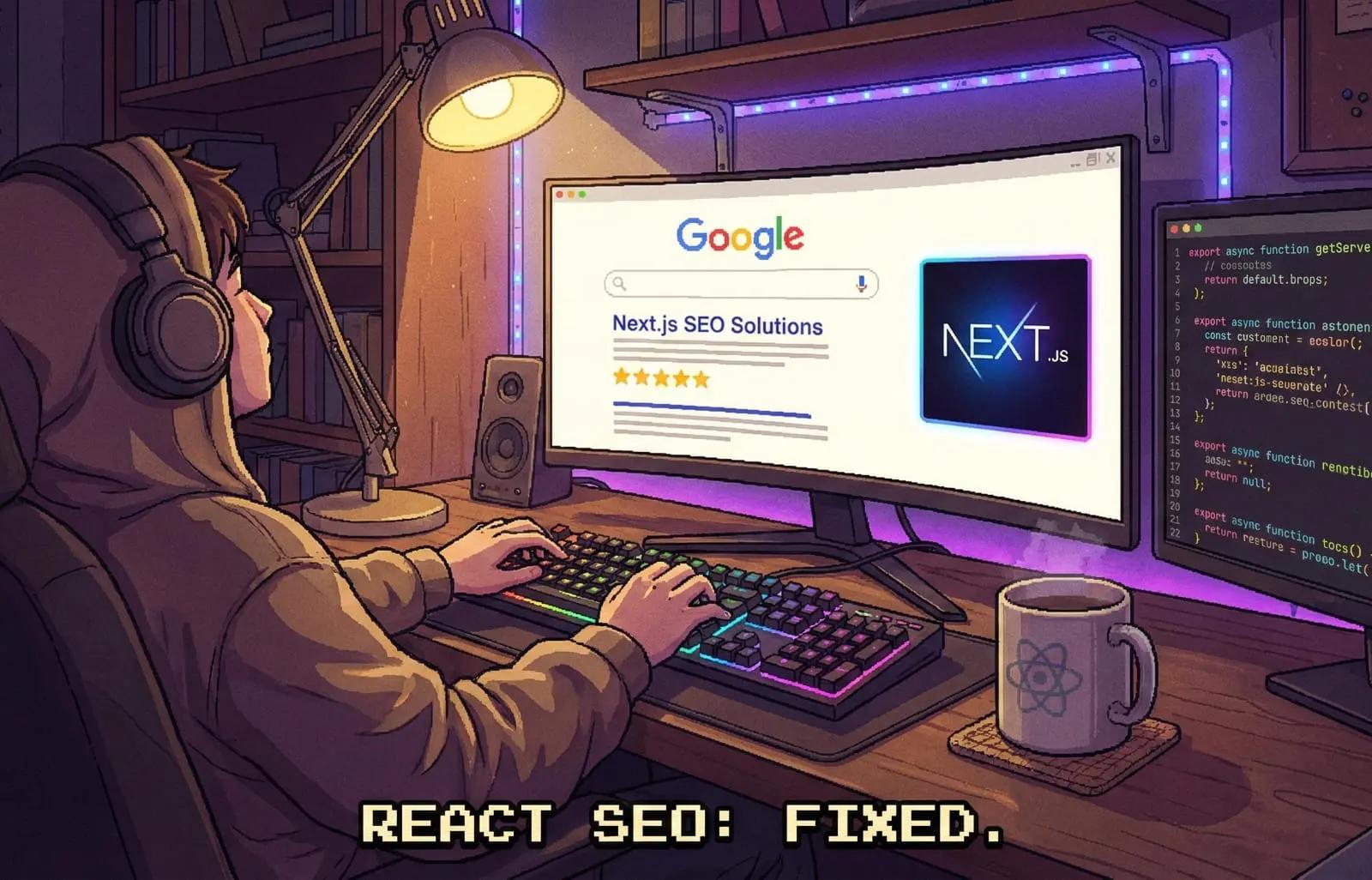
Hey everyone, Nasywan here! Whether I'm tinkering with a side project, building a portfolio, or just chatting about React with friends, there is one question that always pops up and leaves junior devs scratching their heads: "Hey, why isn't my React site showing up on Google even though it's already deployed?"
The blunt answer is simple: vanilla React is pretty much an SEO nightmare.
React is god-tier when you want smooth, app-like interactions in the browser, but the way it works under the hood clashes directly with how search engines like Googlebot read web pages. Let's dig into what actually happens under the hood and look at how we can clean up the mess so our React sites stay search-friendly.
The Root of the Problem: Client-Side Rendering (CSR)
When you build an app with plain React (like using Vite or older setups like Create React App), your site uses a pattern called Client-Side Rendering (CSR) by default.
Right-click anywhere on your plain React site and hit "View Page Source". What do you see? Most likely a completely bare HTML file that looks something like this:
1<!DOCTYPE html>2<html lang="en">3 <head>4 <title>My React App</title>5 </head>6 <body>7 <div id="root"></div>8 <script src="/bundle.js"></script>9 </body>10</html>
No text, no images, no real content. Everything is hidden inside a JavaScript bundle (`bundle.js`). Your browser has to download that JS file, parse it, execute it, and only then does React inject UI elements into the <div id="root">.
(Server sends empty HTML -> Browser downloads JS -> Browser runs JS -> UI finally appears)
The trouble is, web crawlers were originally built to parse plain static HTML. Picture a crawler hitting your site, seeing an empty body, and going, "Well, there is nothing here, moving on." As a result, your page never gets indexed properly.
"Wait, doesn't Googlebot run JavaScript nowadays?"
Yes, modern Googlebot uses a Chromium rendering engine and can execute JavaScript. But there are two big catches that prevent us from relying on it completely:
- Crawl Budget and Rendering Delay
Running JavaScript takes a lot of compute resources on Google's end. Because of that, crawling client-rendered apps happens in two separate phases. First, it grabs the raw (empty) HTML. Second, it pushes your page into a rendering queue. That queue can take days or even weeks before your JS actually runs and your content gets indexed. If you run a blog or a site where fresh content matters, that delay hurts. - Social Media Bots Don't Run JavaScript
Try sharing a link to your client-side React page on WhatsApp, Twitter, or Discord. Often, the link preview image and description won't show up. That's because social media bots don't bother executing JavaScript. They only read the initial HTML payload, and since yours is empty, your preview link looks completely broken.
So How Do We Fix This?
The good news is that we have plenty of viable fixes. If SEO is a priority for your project, like a blog, portfolio, or landing page, you should step away from pure client-side rendering for public routes. Here is how to approach it:
1. Switch to a Meta-Framework
This is why everyone points you toward Next.js or Remix (or TanStack Start). These meta-frameworks were built to fix React's SEO shortcomings by offering Server-Side Rendering (SSR) and Static Site Generation (SSG).
With a framework like Next.js, whenever a request hits your site, the server turns your React components into ready-to-read HTML before sending it to the client. When a crawler arrives, it gets full HTML packed with text, images, and metadata right away. No waiting around for client scripts to finish loading.
That's why whenever I build projects that rely on organic traffic, I'd rather pick a framework with SSR from day one instead of dealing with headaches later.
2. Prerendering (A Lifesaver for Existing React Apps)
What if your app is already huge and written entirely in pure React, with no time or budget for a full rewrite? Prerendering is your friend.
You can use tools like `react-snap` or third-party services like Prerender.io. The idea is simple: at build time, it launches a local headless browser, visits each route, waits for React to finish rendering, and saves the final output as a static HTML file. Your server can then serve full HTML to bots while normal users still get the interactive app.
3. Dynamic Rendering
This is similar to prerendering, but happens dynamically at the server or edge level (like an Nginx config or Node middleware). The core idea is detecting who is visiting.
- If a regular browser visits (Chrome, Firefox, Safari), serve the standard client-side bundle.
- If the User-Agent is a bot (Googlebot, Twitterbot, WhatsApp, Discord), route the request through a prerender service that serves static HTML.
4. Don't Forget Metadata Management
Beyond rendering, SEO relies heavily on your `<title>`, `<meta name="description">`, and Open Graph tags inside the `<head>`.
In client-side React, people often reach for libraries like React Helmet to update `<head>` tags dynamically. But since this runs on the client, bots that don't execute JS won't see those changes. With modern meta-frameworks, built-in metadata APIs inject these tags directly into the server-rendered HTML, making it foolproof.
Wrapping Up
React is a great library, but you have to pick the right tool for the job. If you're building an internal app (an admin dashboard, student portal, or behind-the-login SaaS) where Google rankings don't matter at all, pure client-side React is totally fine.
On the flip side, if you're building something that needs to be found by real humans through search engines, you have to think about rendering strategy from the start. Moving to an SSR-friendly framework is one of the best time investments you can make as a web developer.
That is pretty much the reality of it. Hopefully this saves you from scratching your head wondering why your React project isn't getting any organic hits.
(Share)